

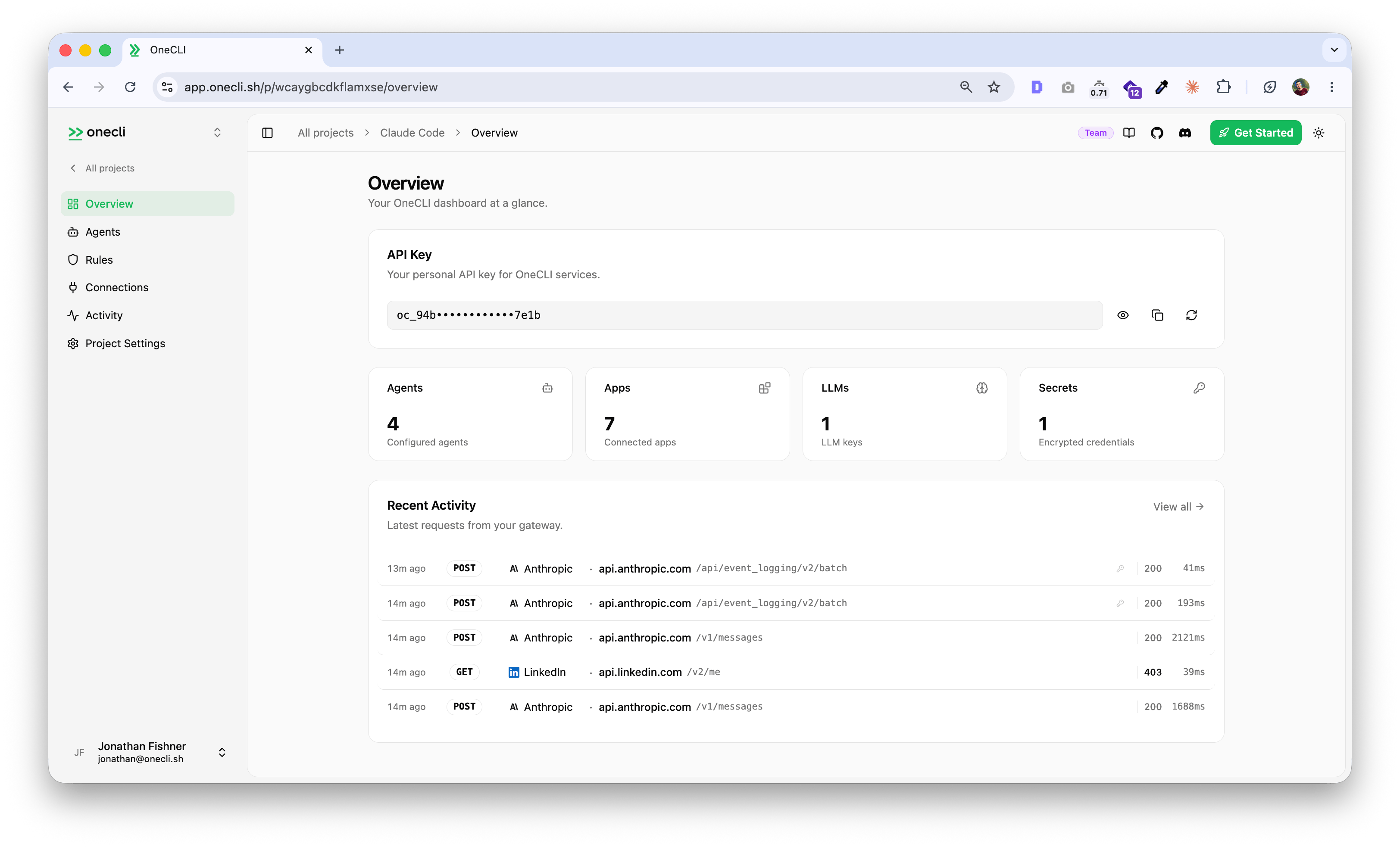
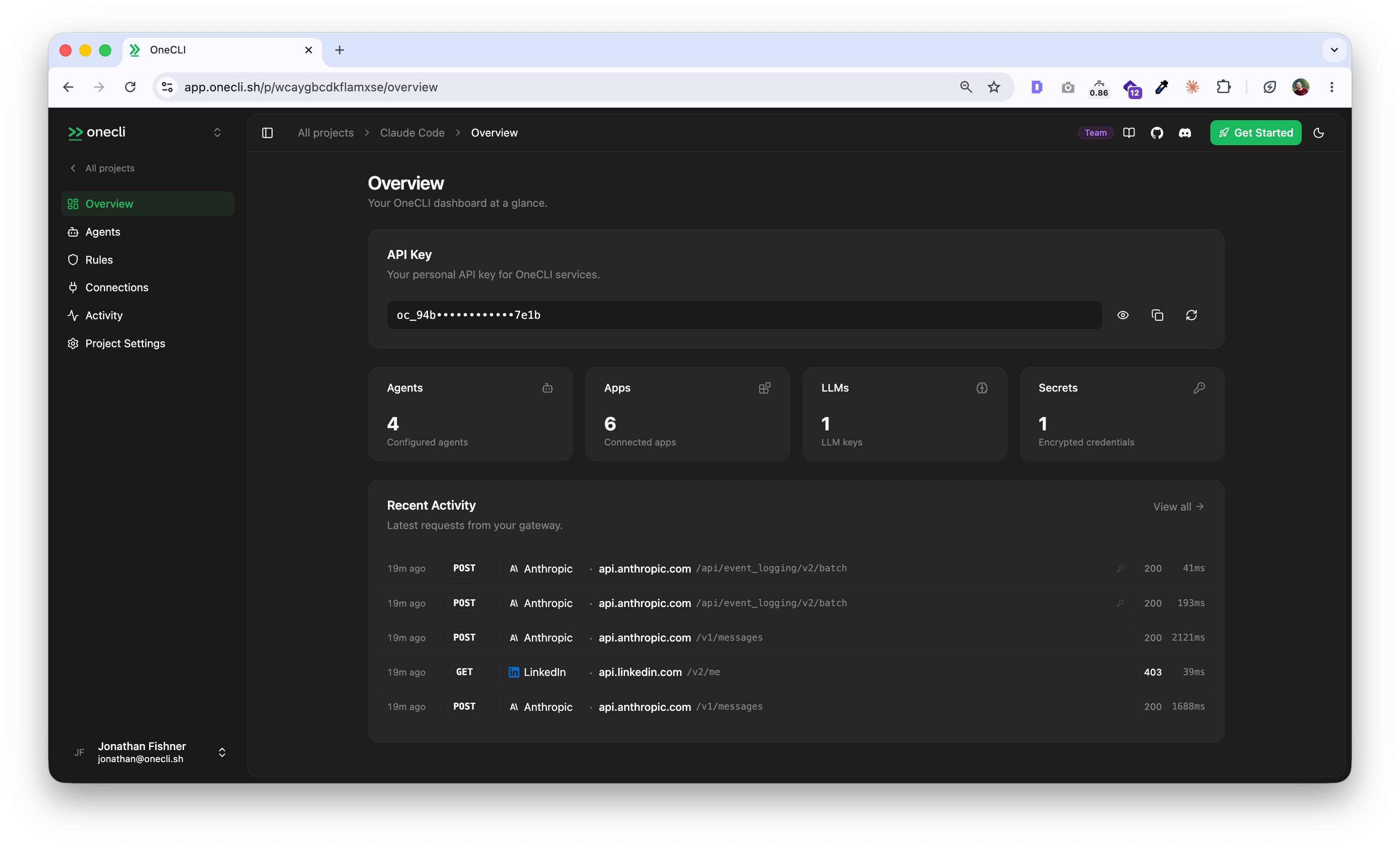
Get your API key
When you create an account, Hogpass generates a project and API key for you automatically. Use it with the CLI, SDKs, or API.Connect your first agent
The fastest way to get started is with the Hogpass CLI. Install it and run your coding agent through it:How it works
Hogpass runs a transparent gateway that intercepts outgoing HTTP requests, checks them against your rules, injects credentials from an encrypted vault, and forwards them to the right service.- Credentials are AES-256-GCM encrypted at rest and decrypted only at request time. Your agents never hold raw API keys.
- Rules let you block operations, rate-limit sensitive actions, and scope access per agent.
- The dashboard is where you manage agents, secrets, rules, and audit logs.
Explore
Quickstart
Full setup guide with step-by-step instructions.
How it works
Architecture: gateway, vault, rules, and how the pieces fit together.
Integrations
Connect Google, GitHub, Slack, AWS, and 30+ other services.
SDKs
Node.js, Python, Go, Rust, and more.
Rules
Block operations, rate-limit actions, and require manual approval.
Self-hosting
Run Hogpass on your own infrastructure with Docker.